How Do I Keep Track of My Amplifi-Qx Mobile Signal System?
So, you’ve had your mobile signal booster installed by Signal Solutions but how do you keep an eye on your system? We wanted to make things as simple (and stress-free) as possible. That’s why every customer gets access to the Amplifi-Qx portal once their system is up and running.
What is the Amplifi-Qx Portal?
The Amplifi-Qx Portal is your own online dashboard for everything to do with your installation. Think of it as your digital filing cabinet (without the clutter...) where you can quickly find all the important info: equipment details, floor plans, site surveys, proposals, and more.
We’re the only company in the industry to have built a portal like this for our customers, that is directly integrated with the Nextivity WAVE Portal, so it’s completely unique to Signal Solutions. With everything in one place and full visibility of your system, you won’t find this level of convenience or support anywhere else.
A Quick Tour of the Portal!
When you first log in, you’ll see your personal dashboard. Here’s what you’ll find and how it all works:
Site Info
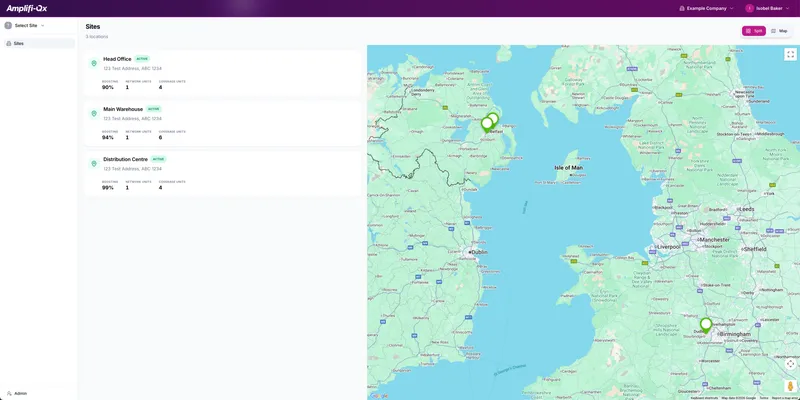
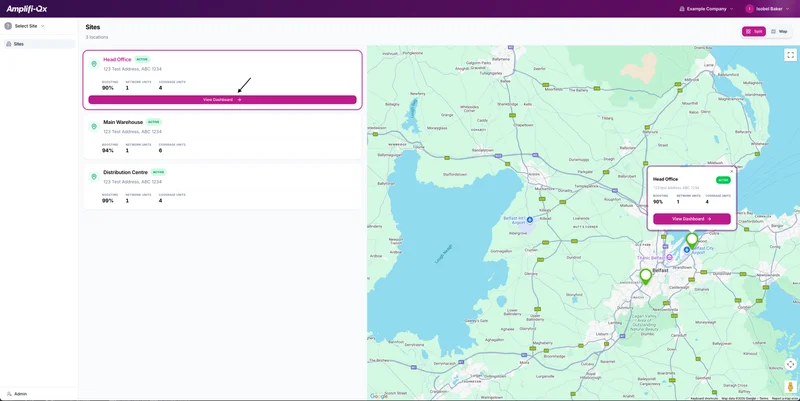
Looking to double-check the serial number on your booster or see exactly what’s installed? Head to the ‘Sites’ tab. Every device and where it’s located is logged here. To see the specific equipment, click on the site and then device you want to look at.
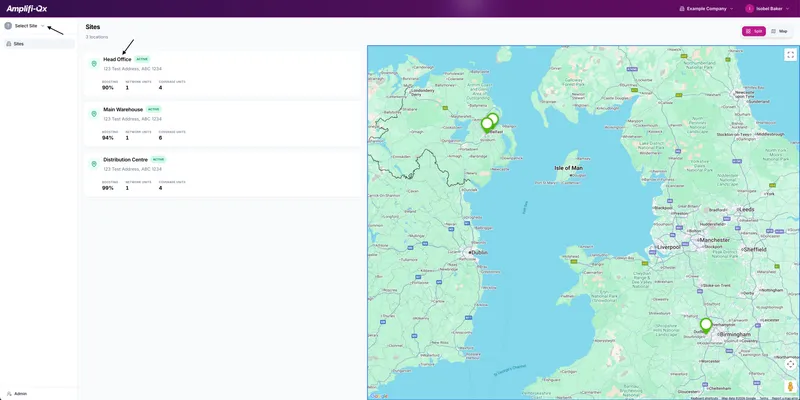
If you have more than one site, these will all show in the "Sites" section and you'll be able to click on each individual one, showing you exactly what we've installed.
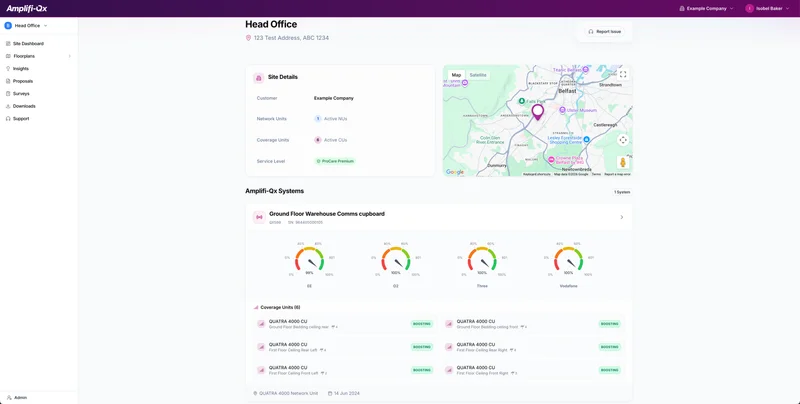
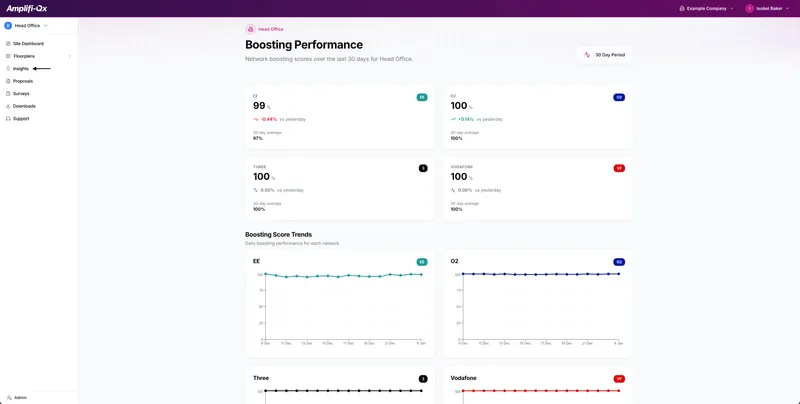
For a more in-depth look at your system and if you want to see each individual network in place, click the "Insights' tab on the left hand side.
Next is the Floor plans section!
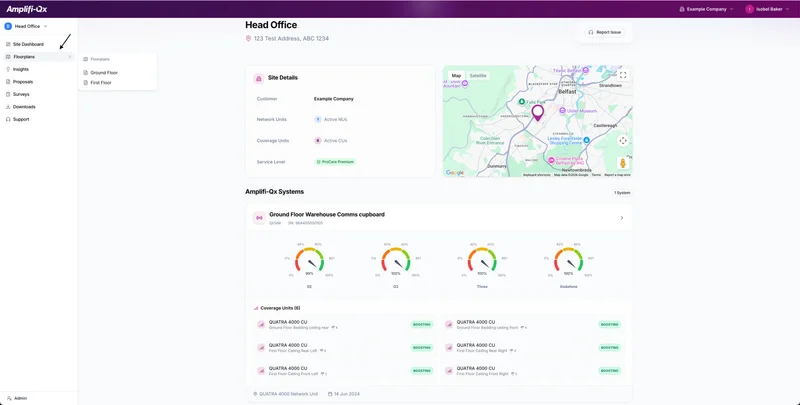
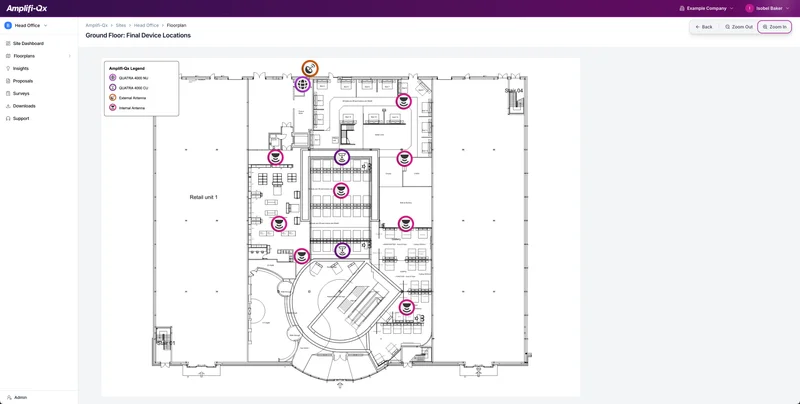
The ‘Floor Plans’ section shows your building layout and where each individual piece of kit is placed. It’s easy to see at a glance how well the system’s working in different parts of your site. Therefore, on the rare occasion that something happens to go down, you'll be able to locate exactly where that piece of equipment is.
Surveys & Proposals
Maybe you want to check back on the results of your original site survey, or review the proposal details. It’s all saved in your portal.
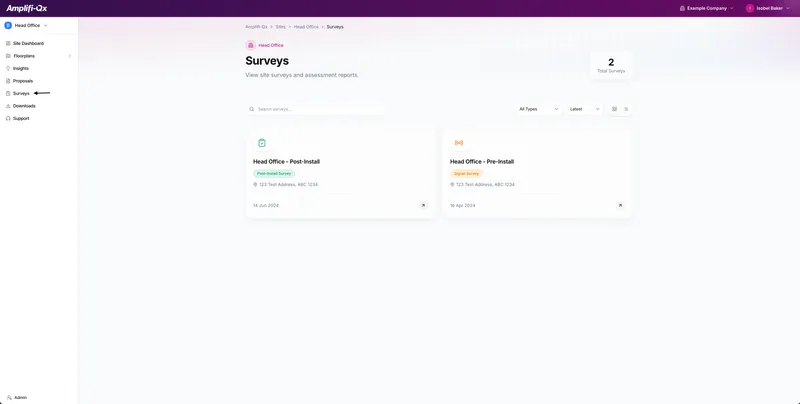
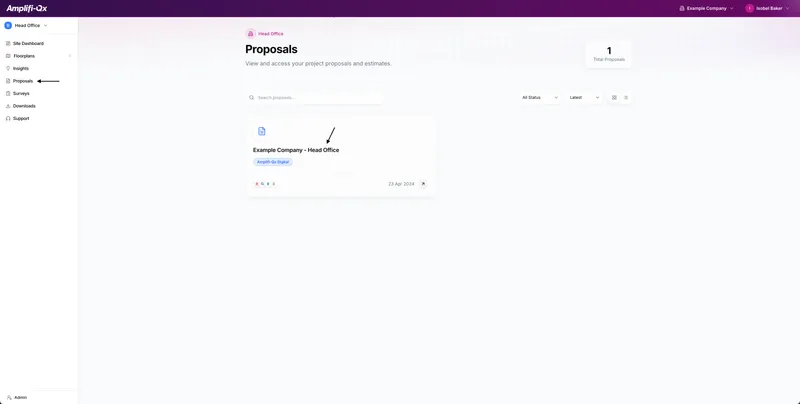
To access each individual proposal, click whichever site you want to access and then the "Proposals" tab. If you then click on your proposal, it'll take you onto a new tab where you can see all the necessary information.
Support Right Where You Need It
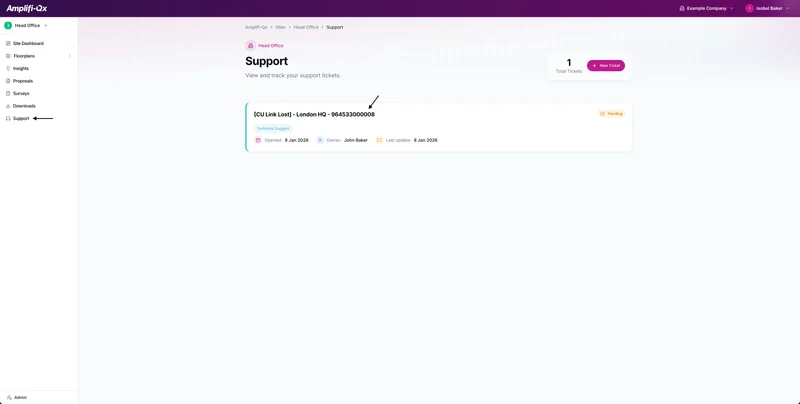
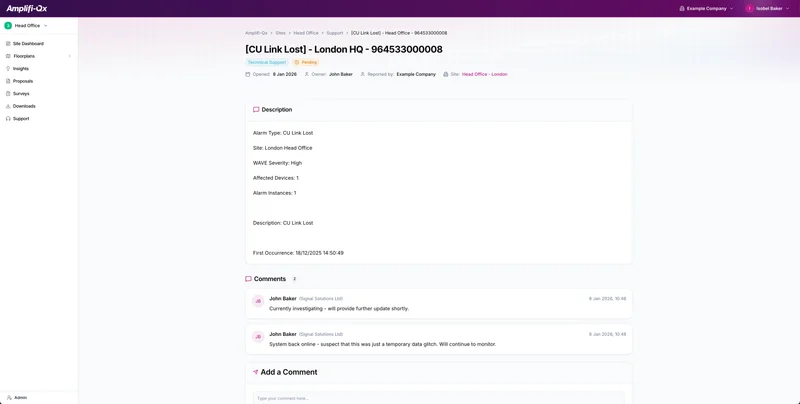
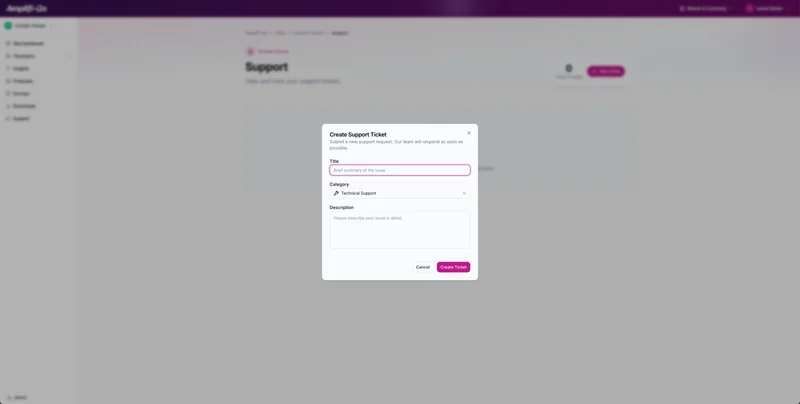
If you have any questions, technical or not, the help section is right there in the portal. Whether it’s a question about your setup or you need something updated, just click on the "Support" tab and you can raise a ticket. This will then be sent over to someone in our team and we will get back to you as soon as possible. Any previous support tickets will also show here:
So, that's the Amplifi-Qx Portal! This is all about giving you clarity and confidence in the system we install and puts every detail about your system at your fingertips. Email support@amplifi-qx.com for your log in details. We hope you enjoy using it!